Multiple accounts, one workspace
Bring your authorized Gmail accounts together. Switch accounts or view all messages without opening another tab.
 Available on Chrome Web Store
Gmail inbox, sparked
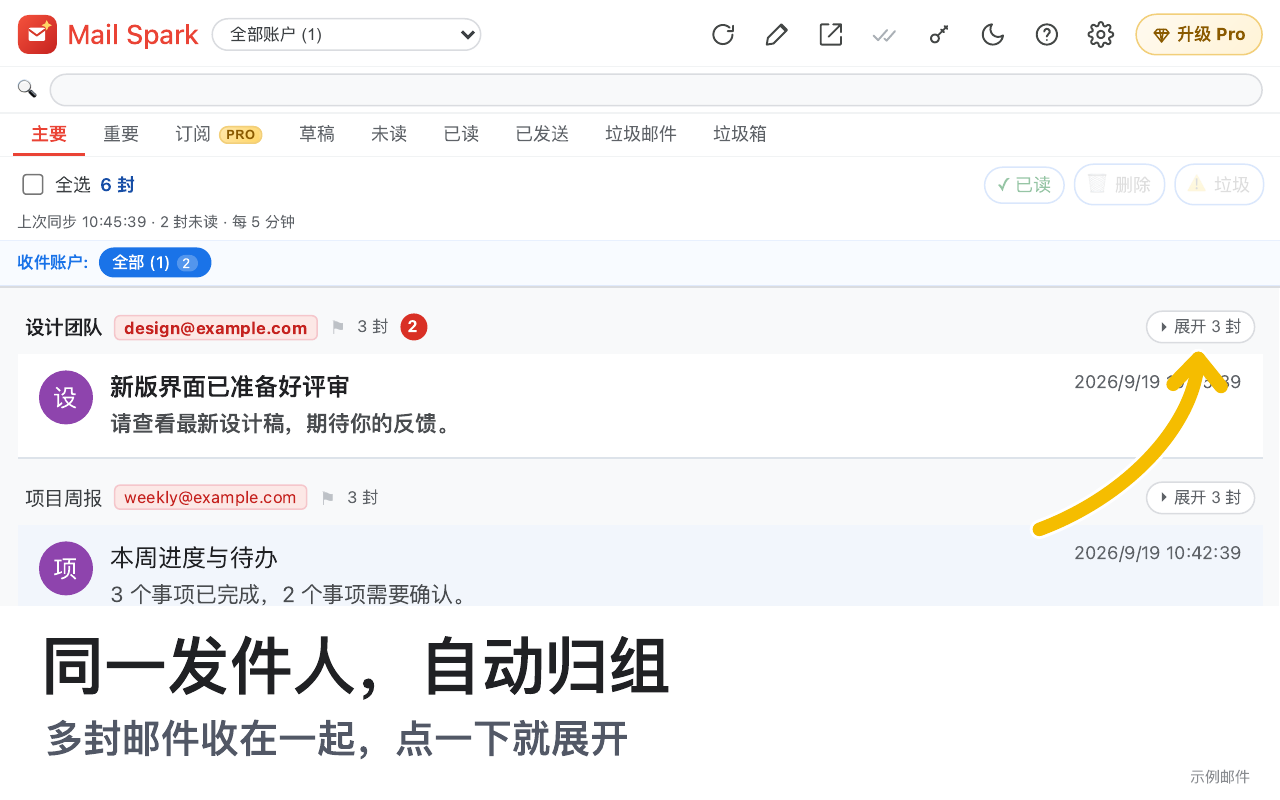
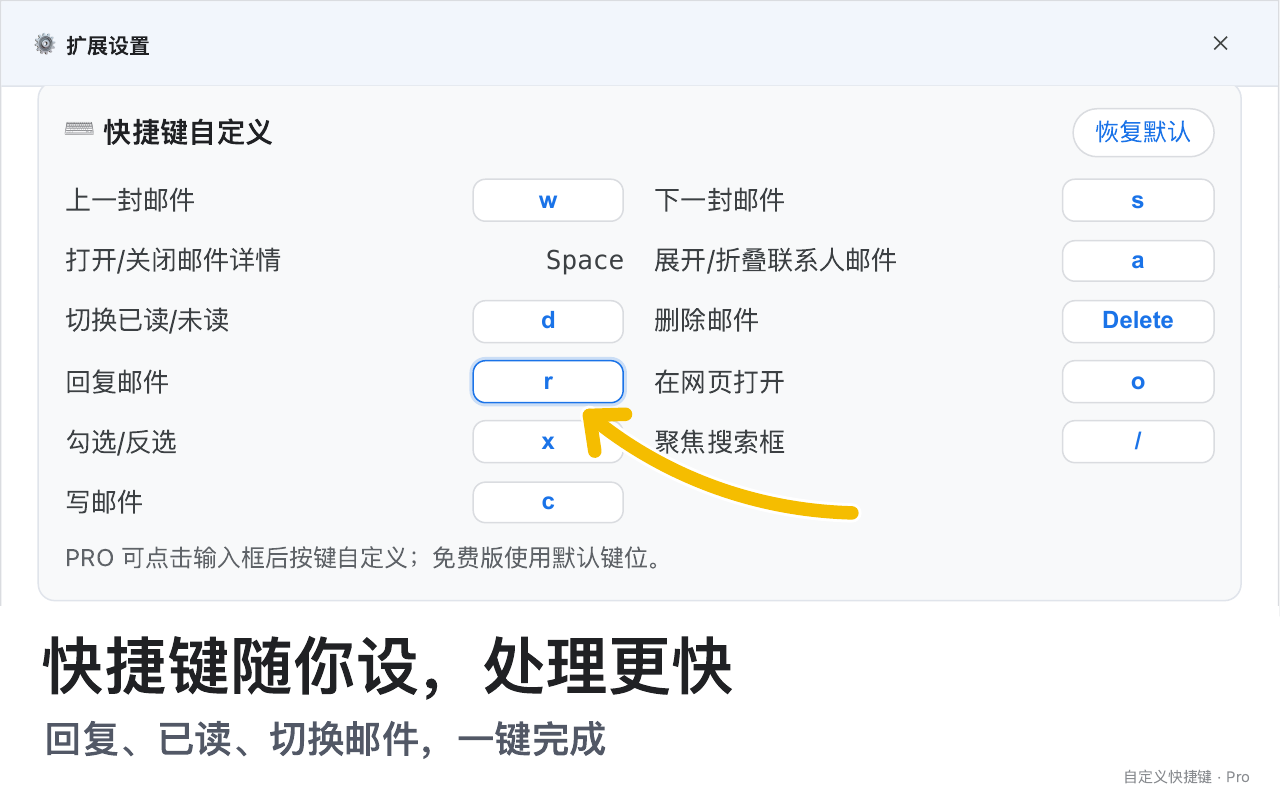
Mail Spark brings multiple Gmail accounts into one workspace. Organize, mark, reply, delete and copy detected verification codes in one clear interface.
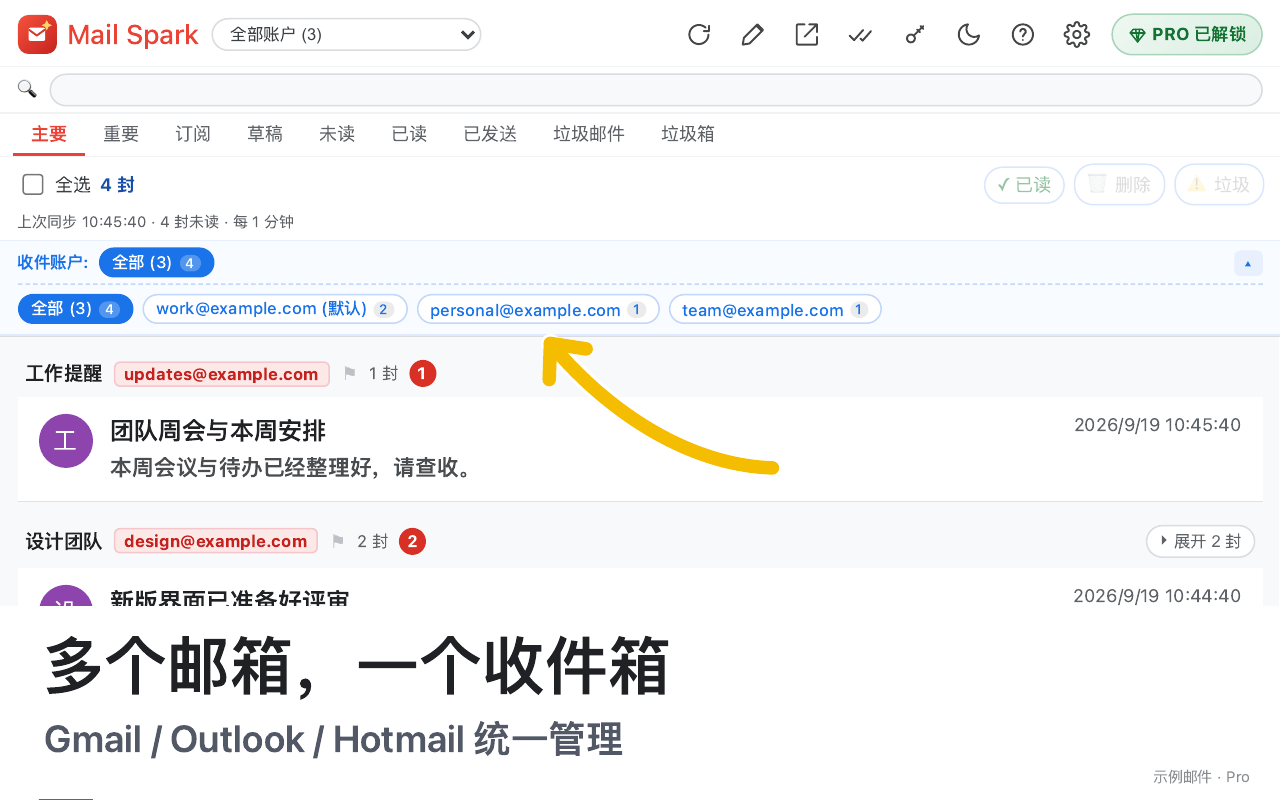
One calm inbox
Bring your authorized Gmail accounts together. Switch accounts or view all messages without opening another tab.
Primary, important, subscriptions, drafts, unread, read, sent and spam stay clearly separated, so you can focus on what matters.
Codes are highlighted automatically. Click to copy and spend less time searching during sign-in and verification.
Marking as read, deleting, reporting spam, replying and opening original messages all act on your Gmail mailbox.
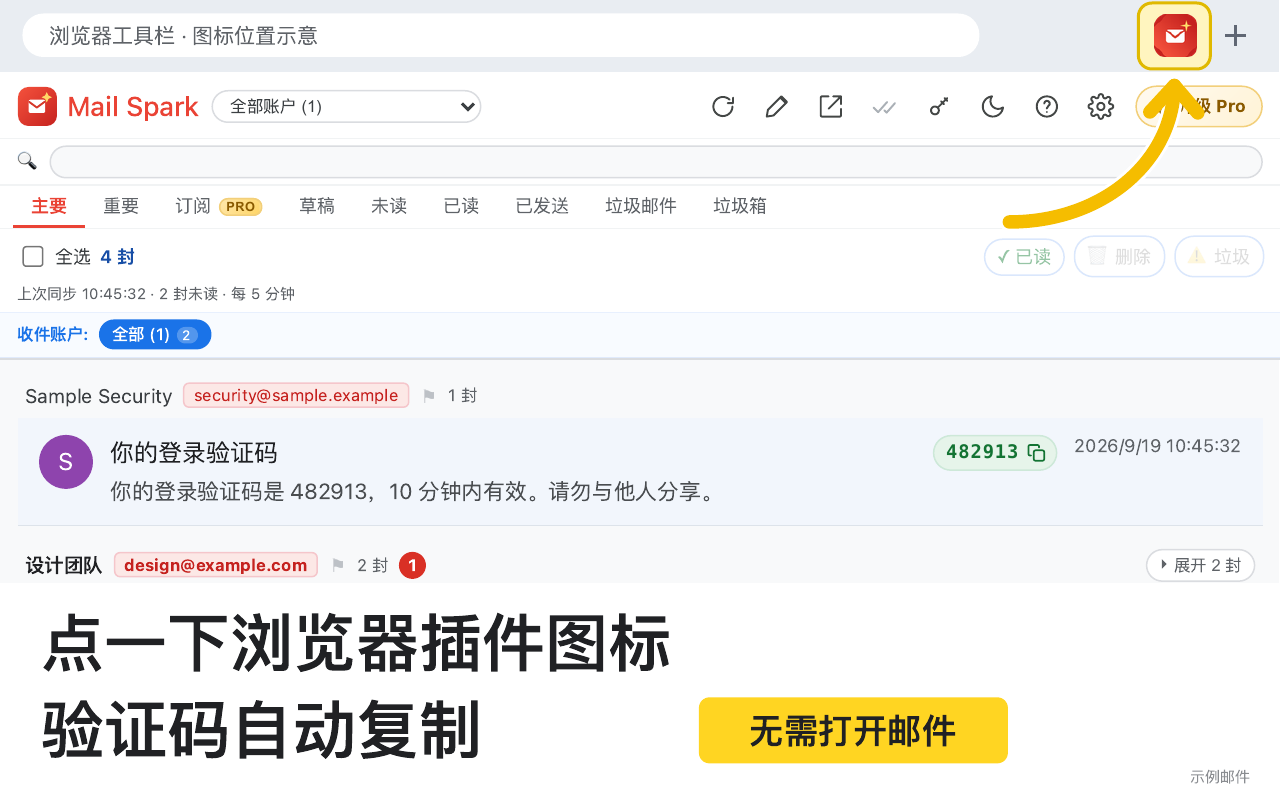
Mail Spark highlights detected verification codes. Copy with one click and return to your sign-in or verification flow, without searching a long message for digits.
The extension uses Google OAuth and the Gmail API to read authorized accounts and perform actions you initiate. It never asks for your Gmail password. Promotional screenshots use sanitized demo accounts and sample content.
View Privacy PolicyNo. The extension uses Google OAuth for authorization. It never asks for or stores your Gmail password.
Yes. Actions such as marking as read, deleting and reporting spam sync to the corresponding mailbox through the Gmail API.
Mail Spark is publicly available on the Chrome Web Store. Use the store link on this page to install it.
Mail Spark
Status: publicly available on Chrome Web Store.